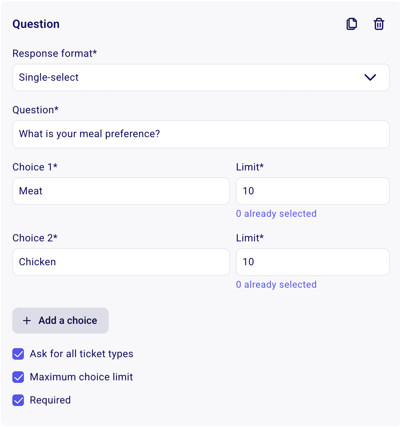
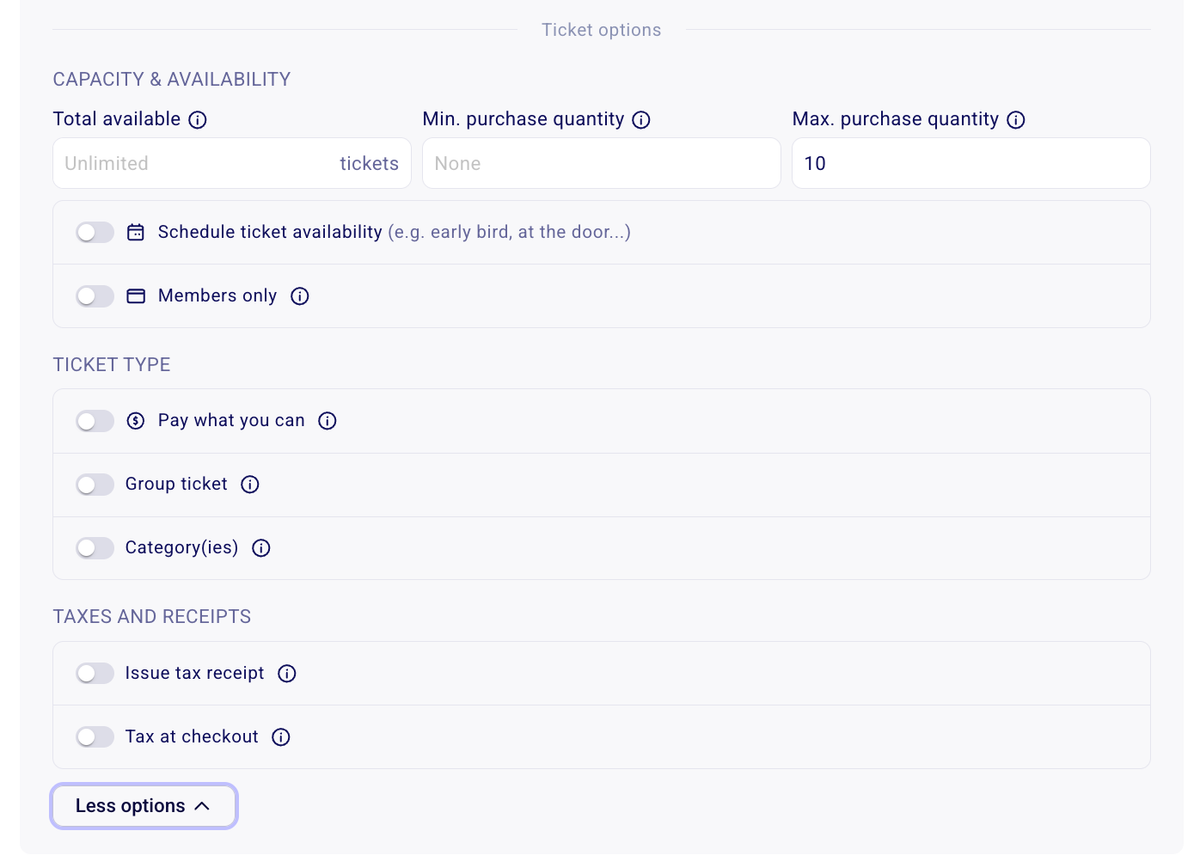
🚧 Set a total availability: If you have limited quantities of this ticket type, you can set an upper limit for that ticket type. How can I limit my sales or set a maximum number of sales?
⏱️ Scheduled Ticket Availability:This allows you to set a start and end date for a specific ticket rate is on sale and available for purchase on your campaign. This is best used for things like early-bird pricing or last minute pricing that should only become available after a certain date or time. Click here to learn how to schedule ticket availability.
🍀 Members Only Rate: This allows you to make a specific ticket type available only to active members in your Zeffy account. Members will need to be authenticated. Please note that this is only compatible with Zeffy memberships: the person’s email address must be associated with a valid, active membership in Zeffy for them to access it. If you don’t see this option, it’s because you don’t have any members. Create and manage a members-only ticket
💸 Pay What You can: A Pay What You Can ticket lets attendees choose how much they would like to pay.You set a minimum amount, and they can enter any amount above it. This makes your event more accessible while allowing those who can contribute more to do so. Creating "Pay What You Can" (PWYC) or Sliding Scale Pricing on Zeffy
👨👨👦👦 Group Tickets: A group ticket allows buyers to purchase multiple tickets in one transaction. When buyers purchase a group ticket, they will receive a PDF containing all tickets included in that group. Click here to learn how to configure a group ticket.
🗂️ Categories: Group your tickets into categories so buyers can filter what they see on the form: buyers select a category at the top of the form and the form shows only the tickets in that category. Create categories so buyers can sort your tickets and items
🧾 Tax Receipts: This option is available only to organizations eligible to issue tax receipts. If you do not see it, please consult our Knowledge Base for more information on receipting eligibility. When enabled, you can set the tax-receiptable amount for each ticket. For example, for a $20 ticket, you could issue a tax receipt for $5. Automatic tax receipts for tickets, memberships, and items
% Taxes: Use this option to add applicable sales taxes to your ticket price. You can enter the tax rate, and Zeffy will automatically calculate and collect the tax during checkout. Add taxes to ticket price or store items