
Log a cash / offline payment in the Tap to Pay app
You can log cash payments directly in the Zeffy Tap to Pay app so they appear in your account alongside card transactions. The entry shows up in your Payments section like any other manual payment and can be deleted if needed.
Log a cash / offline payment
Open the Zeffy Tap to Pay app on your device.
Select the campaign or form for which you want to record the payment.
Select the rate or donation amount as you normally would for a card sale.
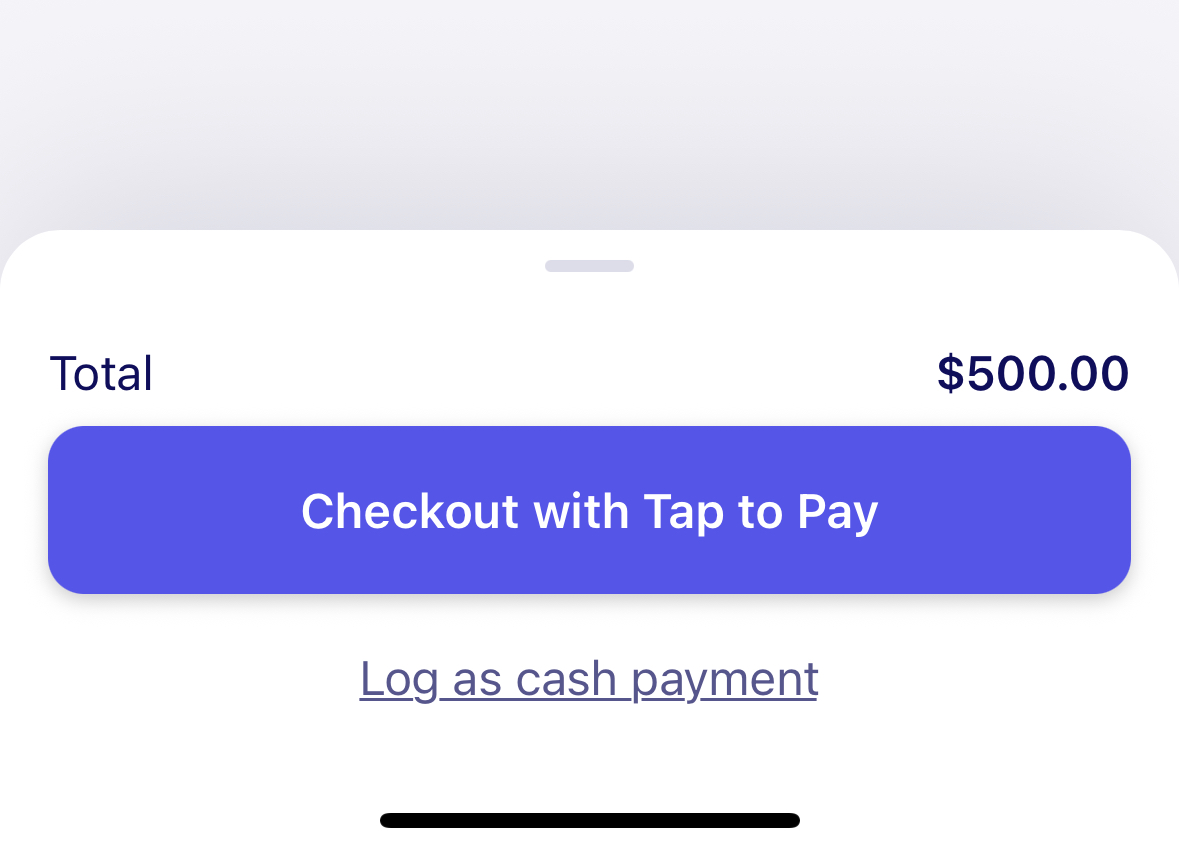
At the bottom of the page, tap Log as cash payment, below the Checkout with Tap to Pay button.
Review the details and confirm to log the cash payment.
Where the payment appears
The logged cash payment appears in the Payments section of your Zeffy dashboard. It is treated like a manual payment entry: you can view it, manage it, and delete it if necessary.
Logging a cash payment in the app does not process a card transaction. It records the payment for tracking and reporting purposes only.