Host a free event and create free tickets to an event
Create a $0 / free ticket
To create your event form, go to campaigns and click on "+ New campaign" in the top right (and select event). If you already have an event, click on edit to the right of your existing form.
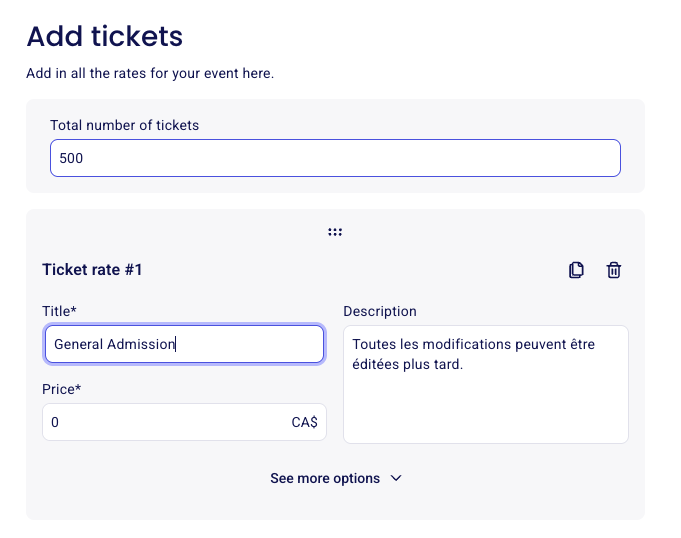
Go into the "tickets" section of your form to customize your ticket rates and set their price.
Note that the ticket price cannot be left blank. To create a $0 ticket, you must enter "0" in the price section when creating your event ticket.
Add free tickets to a form that also sells paid tickets
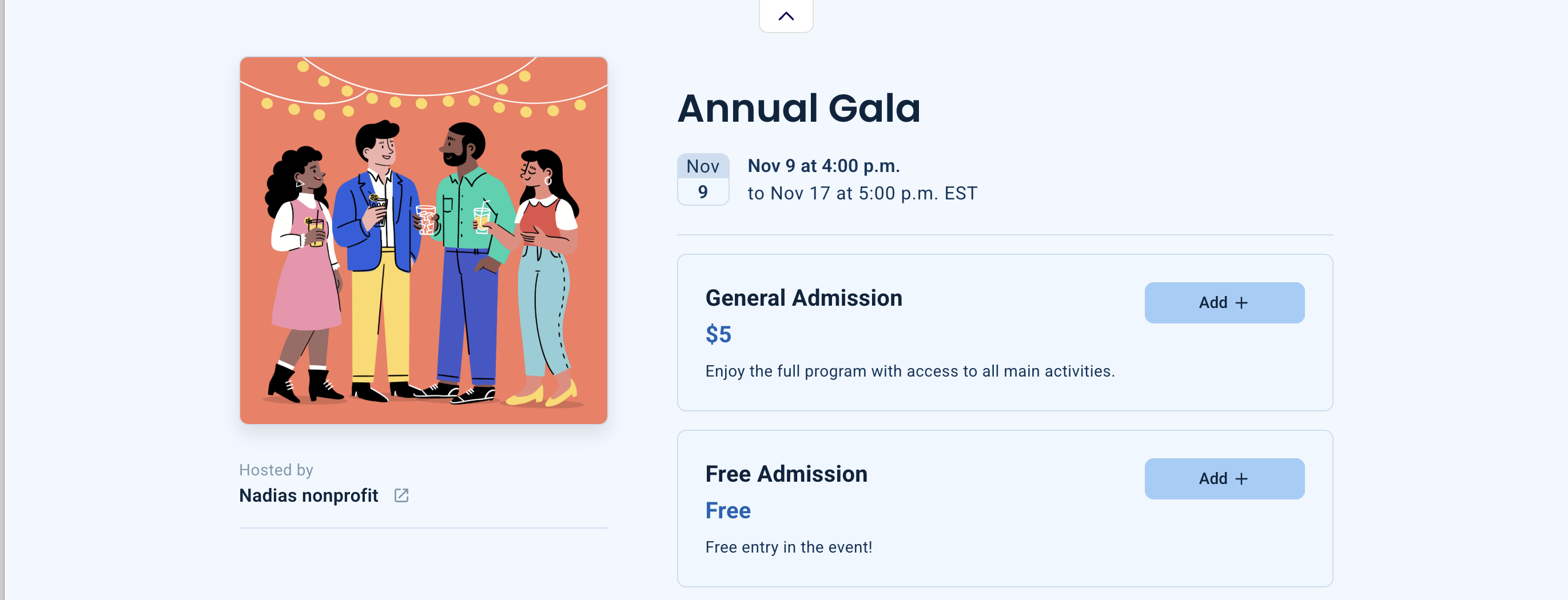
A form that sells paid tickets can also offer free tickets: create a ticket, set its price to 0 dollars, and it will be offered next to your paid rates. For example, General Admission can charge $5 while another ticket called Free Admission is set to $0.
Go to the Campaigns tab and open the event campaign you want to change.
Click Edit on the far right of the campaign.
Scroll down to the Tickets section and click Create a ticket.
Give the ticket a title (for example, Free Admission) and enter 0 as the price. The price cannot be left blank, so enter 0 rather than leaving the field empty.
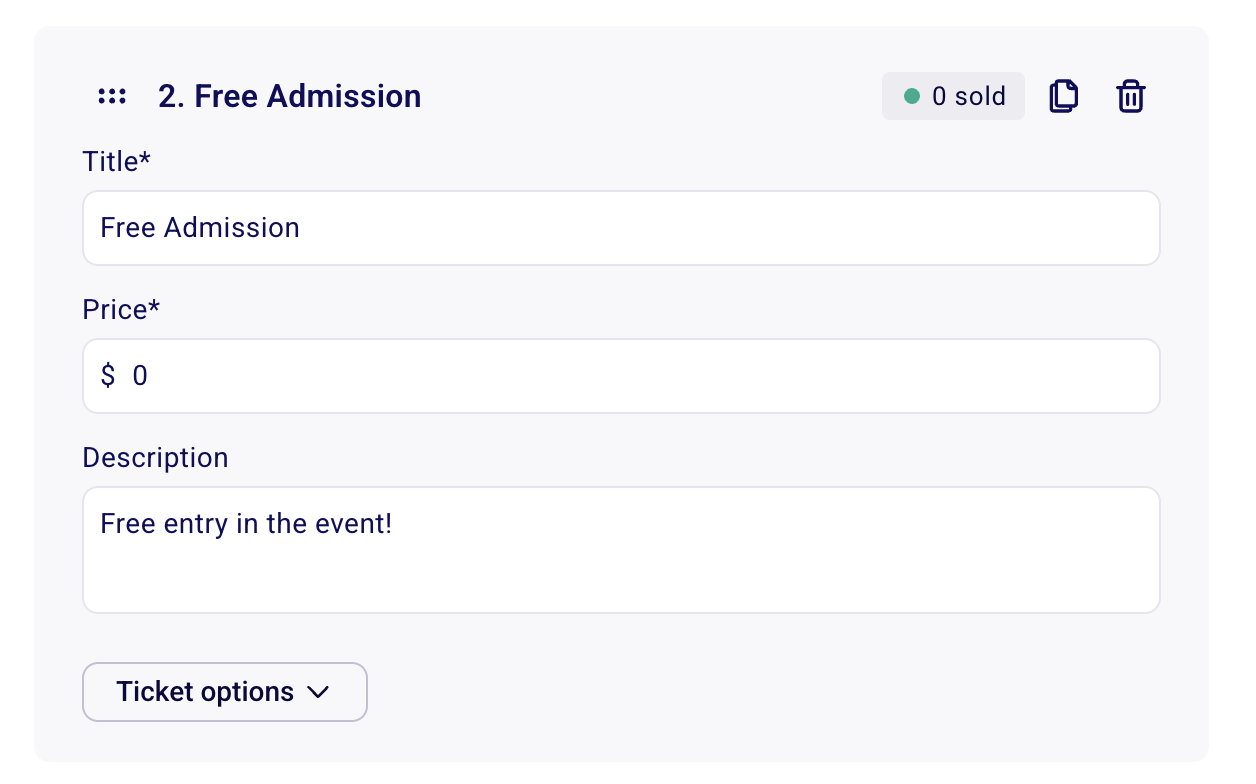
The free ticket can exist next to any other kind of tickets and prices, so buyers choose between paid and free options on the same form (for more ways to combine ticket rates, see Offer different ticket tiers and rates):
To issue a free ticket to a specific person yourself instead of offering it publicly on the form, add it as a manual free order from Payments: see Log a complimentary payment or free order.
Does my bank account need to be connected to host a free event?
No. If you do not plan to accept any payments at all in Zeffy, you do not need to connect your bank account.
However, if you wish to be able to send emails through the platform, you will have to link your bank account and verify your email address, even if the event is free. It is not possible to use the emailing tool without completing these steps.
How can I have a free ticket, but allow buyers to leave a donation if they wish?
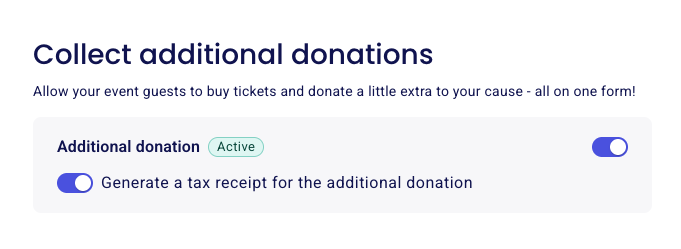
You can enable the additional donation option on your form to receive donations. Donors can enter a custom amount in addition to their free ticket selection if they wish to support your nonprofit.
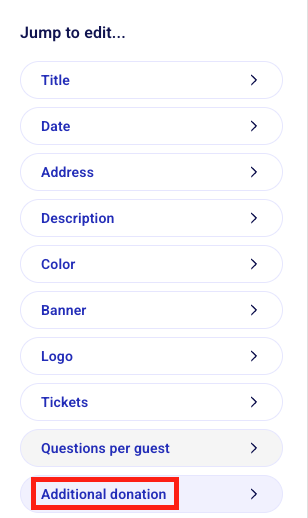
To enable the option to add additional donations, go to the "Additional donation" section of your form editor. Below the ticket types you've created, you'll see a checkbox to enable donations: