Why a form states it is “closed” and how to reopen sales
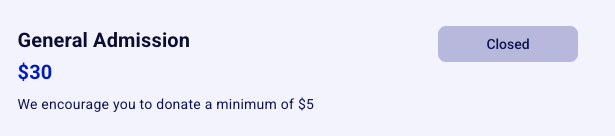
You will know your form is closed if the button on your form is greyed out and indicates closed. This prevents individuals from completing a transaction on your form.
There are three different reasons why your form might indicate that it is closed. Please continue below to learn the common reasons for your form indicating that it is closed, and to learn how to reopen it.
💡 Manual Entries
A closed or past event does not stop you from adding manual ticket entries. Manual entries are still accepted after sales have closed or the event date has passed, so you do not need to reopen the form first. The dashboard shows a notice that the event is closed, but manual payments are still allowed. Manual entries are only blocked when the event is full (sold out), in which case you need to increase the ticket capacity first, or when an auction has already been marked as sold.
1. Form was inadvertently closed manually
The first reason your form might indicate that it is closed is that you accidentally closed it manually. If this is the case, you'll see a little "closed" notice to the right of your form.

➡️ To reopen your sales:
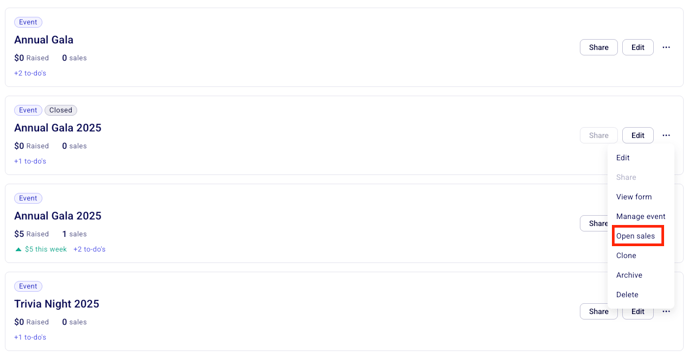
Go to Campaigns in your dashboard
Click on the three little dots to the right of the form in question
Click the option "open sales."
2. An automatic close date was set for your sales
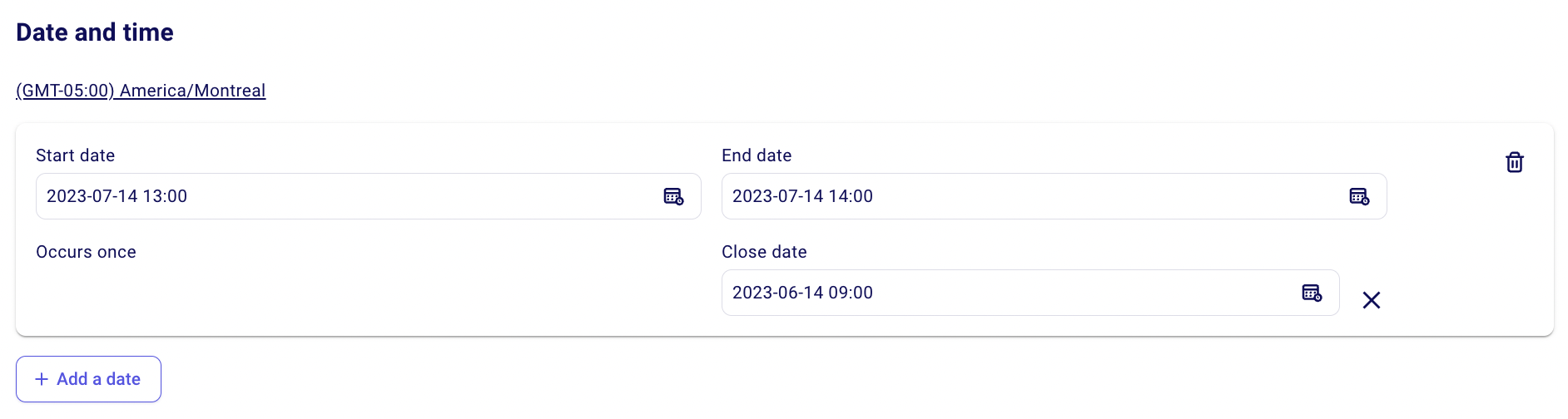
In your form settings, it is possible you have set an automatic close date for your sales. When this date and time have passed, your form will automatically stop accepting sales.
➡️ To reopen your sales:
Go to Campaigns in your dashboard and click on edit to the right of the form you'd like to reopen
Scroll to the "date and time" section and take a look at your close date
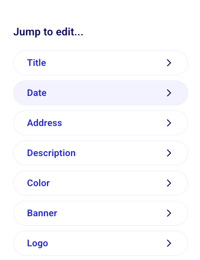
If your close date is in the past, you can either
1️⃣ Extend the close date – click on the close date to edit it.
2️⃣ Remove the close date completely – click on the little cross to the right of your close date to remove it.
3. The configured event date has passed
Sales close automatically once your event end date and time have passed (or at the sales close date, if you set an earlier one). This prevents individuals from buying tickets for an event that has already happened.
➡️ To reopen your sales:
Go to Campaigns in your dashboard and click on edit to the right of the form you'd like to reopen
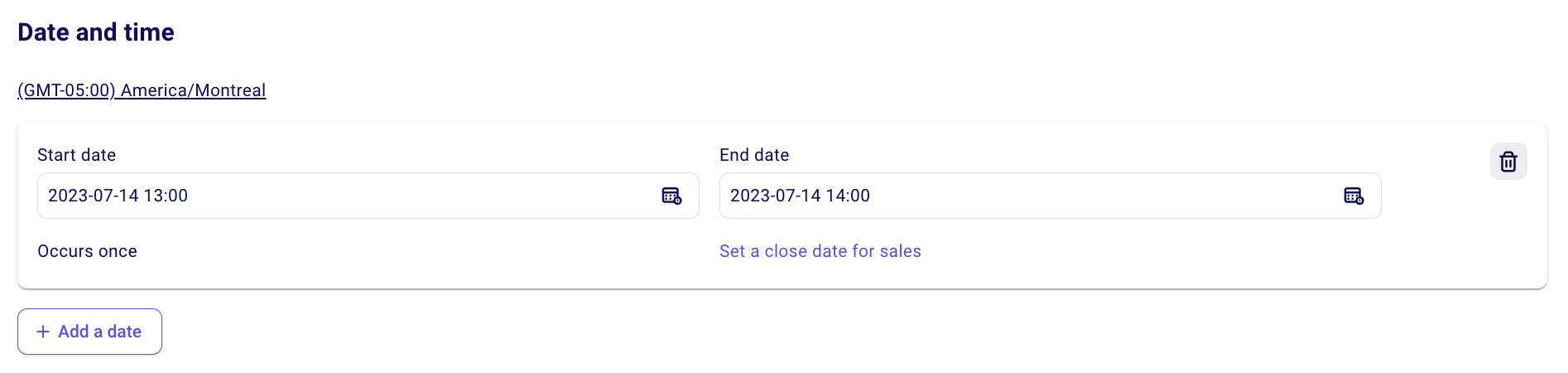
Scroll to the "date and time" section.
1️⃣ Move the event end date and time to a later time to reopen your sales
2️⃣ Remove the date completely by clicking on the little trash icon to the right of your date.