Connect Zeffy to ChatGPT
Install the Zeffy plugin in ChatGPT and ask questions about your fundraising data in plain language, such as "How much did I raise last month?" or "Who were my top 10 donors?".
ChatGPT can then analyze your donations, donor retention, campaign performance, event ticket sales, memberships and payouts, using the same reporting engine as your Zeffy dashboard.
Using our previous custom GPT? ChatGPT is retiring GPTs that aren't migrated to plugins after December 11, 2026. Install the Zeffy plugin before then, using the steps below.
Before you start
A ChatGPT account
Your Zeffy login information
Any team member of your organization can connect Zeffy to ChatGPT, but only your organization's admin can give the connection write access. Other team members get read-only access.
Install the Zeffy plugin
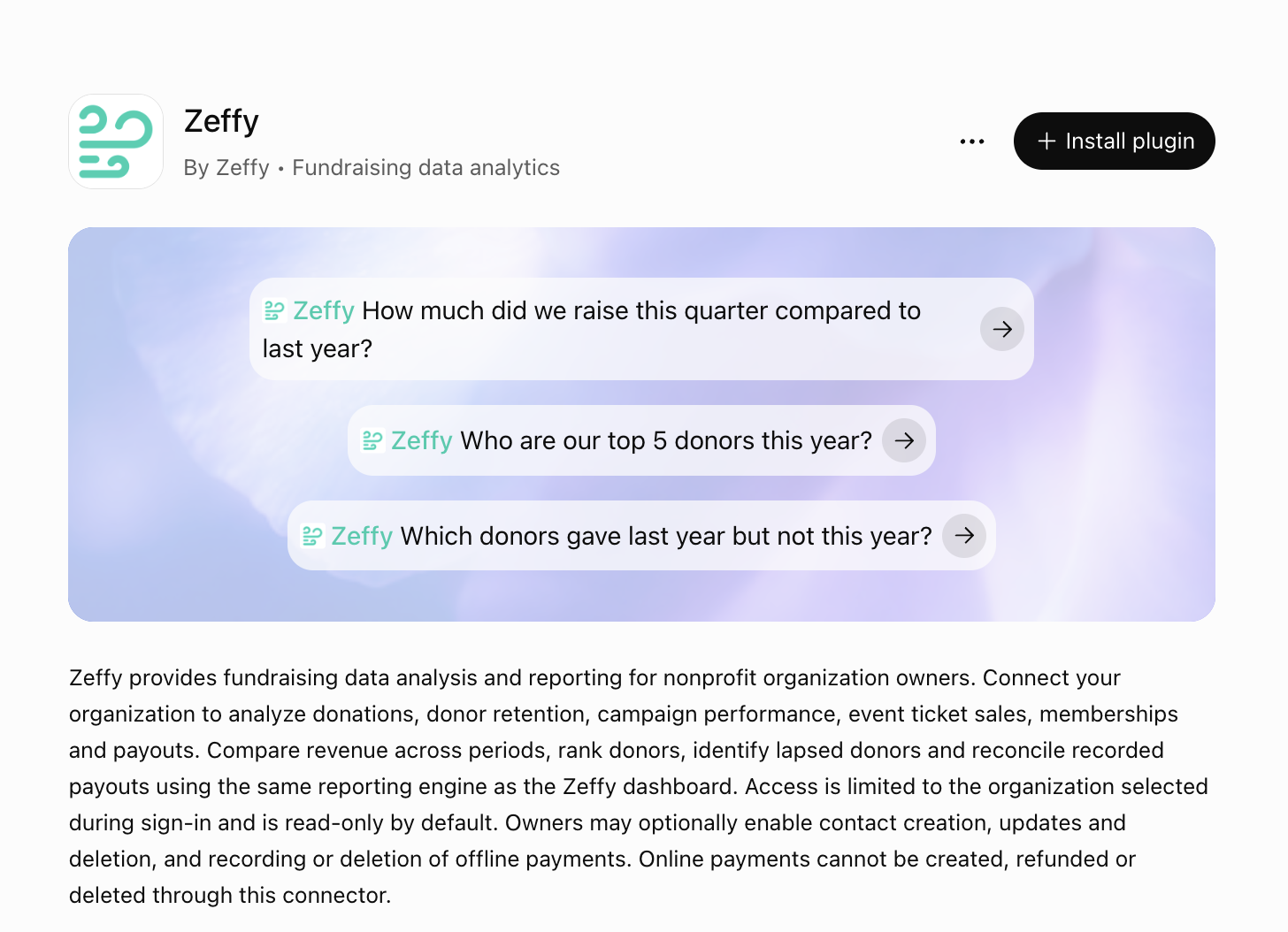
Open the Zeffy plugin in ChatGPT. You can also search for Zeffy in Plugins.
Click Install plugin.
Sign in and authorize Zeffy
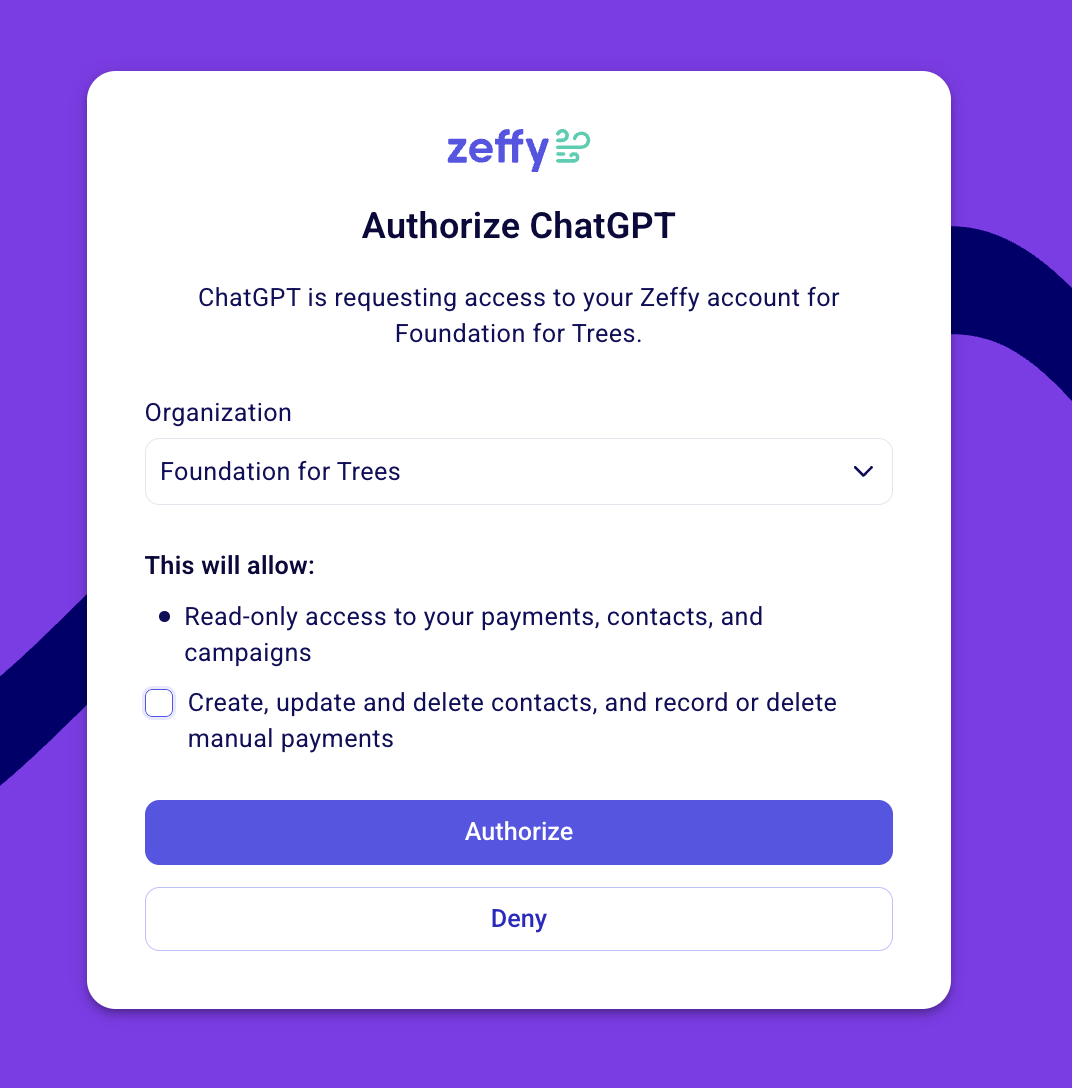
Authorization links ChatGPT to one Zeffy organization. Read access is always included, and write access is optional.
When the Zeffy sign-in page opens, sign in with Google (the Google account linked to your Zeffy account) or with your Zeffy email and password.
Under Organization, pick the organization you want to connect.
To let ChatGPT make changes, tick Create, update and delete contacts, and record or delete manual payments. Leave it unticked to keep read-only access.
Click Authorize.
You're connected. Access is limited to the organization you picked. The organization owner receives an email when someone connects an AI assistant to the organization.
Questions to try
Who were my monthly donors?
Who was my largest donor?
How much did I raise last month?
Which donors gave more than once this year?
Which campaigns raised the most last quarter?
How much did we raise at the Spring Gala?
Answers come straight from your Zeffy account, so they're always up to date. For the clearest answers:
Be specific about time frames ("in 2025", "last month", "since January").
Ask one question at a time.
If an answer doesn't look right, rephrase your question and try again.
What ChatGPT can read
ChatGPT reads data only from the organization you picked during authorization:
Payments
Donors and contacts
Campaigns and events
Memberships
Funds and payouts
It can also read the Zeffy help center.
What ChatGPT can change
ChatGPT changes data only if you ticked write access during authorization. With read access only, it never creates, edits or deletes anything in your Zeffy account. With write access, it can:
Create, update and delete contacts
Record or delete manual payments
ChatGPT asks you before each deletion. The only email it can send is an optional confirmation email when it records a manual (offline) payment.
Even with write access, ChatGPT can't:
Create, refund or delete online payments
Change settings
Access other organizations
Your conversations are stored in your ChatGPT account and follow OpenAI's data policies, like any other chat you have there.
Disconnect or change the access level
The organization owner can view and disconnect all AI assistant connections. Other team members can view and disconnect only their own connections.
Open Integrations in Zeffy.
Find the connection under Connected AI assistants.
Click Disconnect and confirm.
The connection loses access immediately. To change the access level, disconnect and connect again. You can also remove the Zeffy plugin in ChatGPT.
Using Claude instead? See Connect Zeffy to Claude. Zeffy also has a Data Assistant on your dashboard's Insights page that needs nothing outside Zeffy: see Ask questions about your fundraising data with the Data Assistant.