Connect Zeffy to Claude
Connect your Zeffy organization to Claude and ask questions about your fundraising data in plain language, such as "How much did we raise this quarter?" or "Who are our lapsed donors?". It works on every Claude plan, including the free plan.
Claude can then analyze your donations, donor retention, campaign performance, event ticket sales, memberships and payouts, using the same reporting engine as your Zeffy dashboard.
Before you start
A Claude account (free or paid)
Your Zeffy login information
Any team member of your organization can connect Zeffy to Claude, not only admins.
Add Zeffy as a custom connector
Zeffy isn't listed in Claude's connector directory yet. We're working on it, and until then you can add Zeffy yourself as a custom connector.
In Claude, go to Customize > Connectors.
Click Add custom connector.
Enter Zeffy as the name and
https://api.zeffy.com/mcpas the URL.Click Add.
Next to Zeffy, click Connect. The Zeffy sign-in page opens.
On Claude Team and Enterprise plans, an owner of your Claude organization adds the custom connector first. Each member then connects Zeffy from their own account.
Authorize Zeffy
Authorization links Claude to one Zeffy organization.
Sign in to Zeffy, either with Google (the Google account linked to your Zeffy account) or with your Zeffy email and password.
Under Organization, pick the organization you want to connect.
Click Authorize.
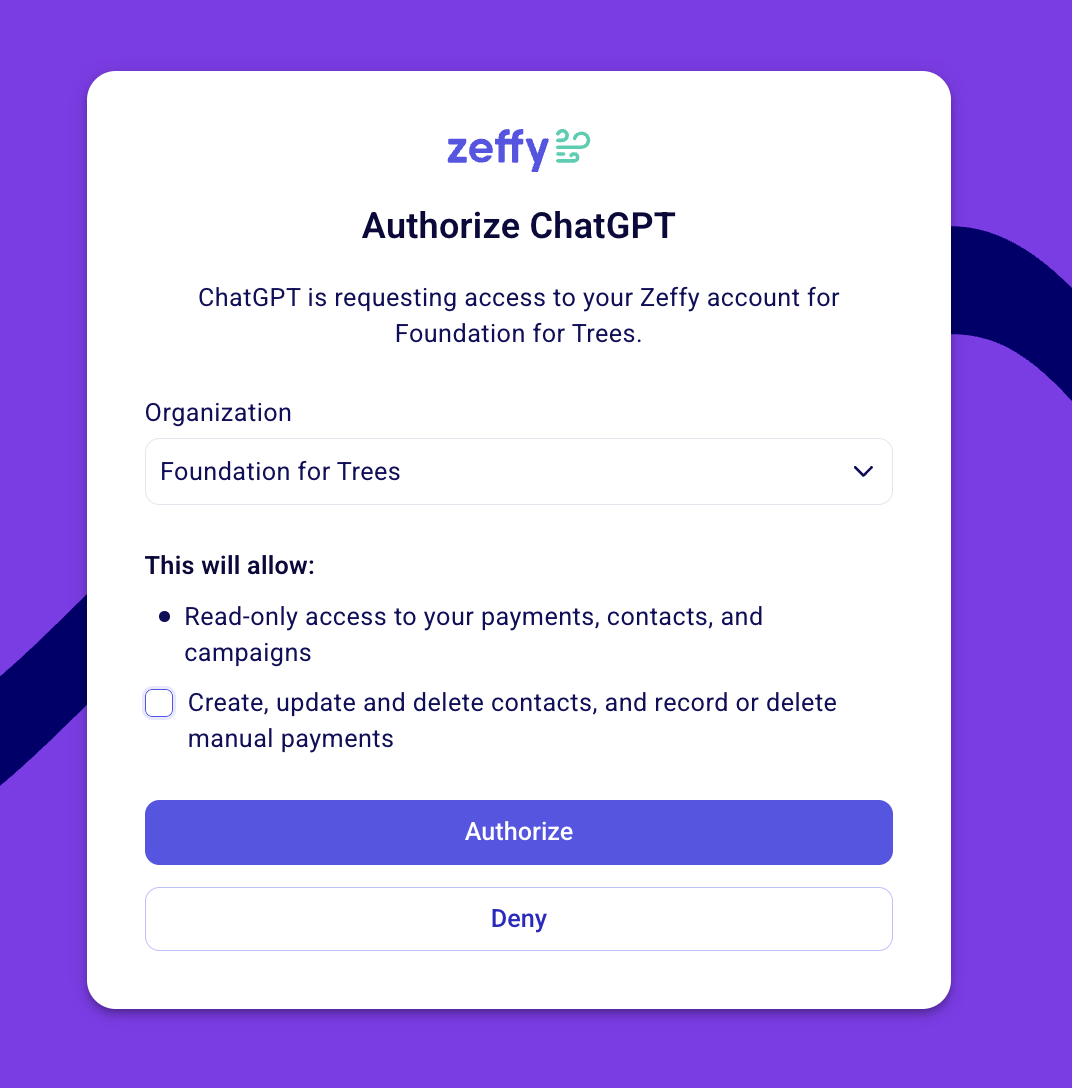
You're connected. Ask your first question in any Claude chat. The organization owner receives an email when someone connects an AI assistant to the organization.
For now, Zeffy in Claude is read-only: Claude answers questions about your data, but it never creates, edits or deletes anything in your Zeffy account.
Questions to try
How much did we raise last month?
Who were our top 10 donors this year?
Which donors gave last year but not this year?
Which campaigns raised the most last quarter?
Answers come straight from your Zeffy account, so they're always up to date. Be specific about time frames ("in 2025", "since January") for the clearest answers.
What Claude can read
Claude reads data only from the organization you picked during authorization:
Payments
Donors and contacts
Campaigns and events
Memberships
Funds and payouts
It can also read the Zeffy help center. It can't change settings or access other organizations.
Your conversations are stored in your Claude account and follow Anthropic's data policies, like any other chat you have there.
Disconnect Zeffy
The organization owner can view and disconnect all AI assistant connections. Other team members can view and disconnect only their own connections.
Open Integrations in Zeffy.
Find the connection under Connected AI assistants.
Click Disconnect and confirm.
The connection loses access immediately. You can connect Claude again later. You can also remove the Zeffy connector in Customize > Connectors in Claude.
Using ChatGPT instead? See Connect Zeffy to ChatGPT. Zeffy also has a Data Assistant on your dashboard's Insights page that needs nothing outside Zeffy: see Ask questions about your fundraising data with the Data Assistant.