
Obtain all event attendee names when multiple tickets are purchased
Asking for additional names besides the purchaser
Go to the fundraising > campaigns section of your account and click on edit to the right of the form you're looking to modify.
Go to the "Questions" section in the left hand menu of your editor
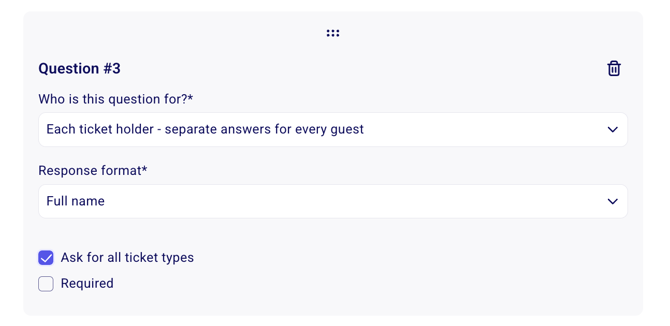
Under "who is this question for" click on "Each ticket holder - seperate answers for each guest". In the question type, make sure to select the type "Name." That question will then be asked for each ticket purchased and will allow you to download an updated guest-list.
💡 The answer to this question will also be displayed on the e-ticket.
Where can I find this information?
For instructions on how to retrieve this information, please refer to the following article ➡️ How do I export my payment data?
Was this helpful?
Was this helpful?