
How to unpublish a campaign
Unpublish a campaign to send it back to draft at any time. People who have the link can still open the campaign page, but no one can pay or register until you publish it again.
Unpublish a campaign
Go to Campaigns in your dashboard.
Click the three dots (⋯) to the right of your campaign.
Select Unpublish.
Confirm by selecting Unpublish in the dialog.
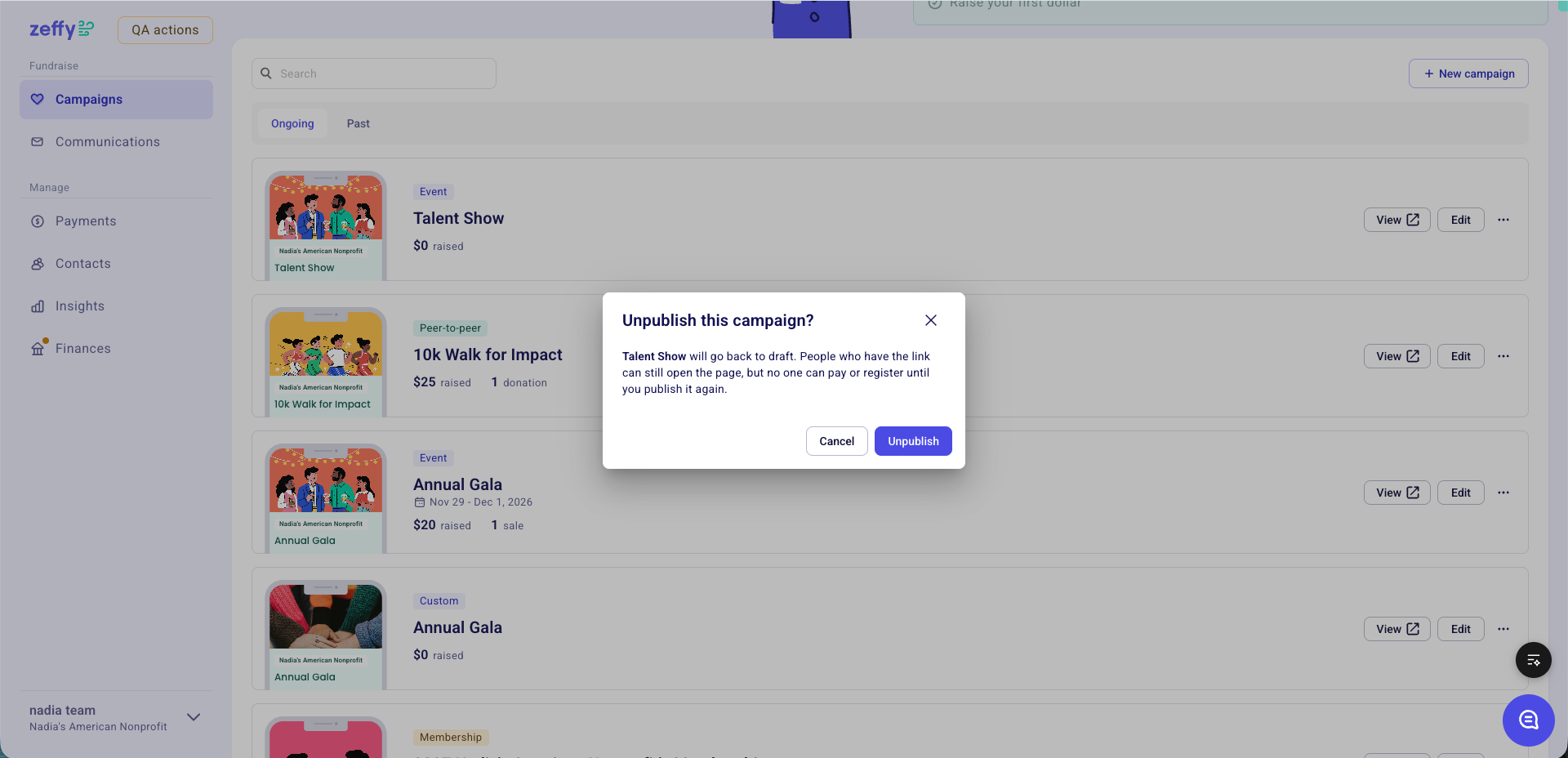
The campaign goes back to draft. It shows a Draft tag on its card in Campaigns, and anyone with the link can still open the page. No payments or registrations go through while the campaign is in draft.

Republish a draft campaign
Go to Campaigns in your dashboard.
Click the three dots (⋯) next to the draft campaign.
Select the publish option in the same menu.
The campaign is live again and supporters can pay and register.
To limit sales without taking the page out of publish, you can also close sales while keeping the campaign live.