
How can I email my peer-to-peer fundraisers?
If you are running a peer-to-peer campaign through Zeffy, chances are you might have to email your fundraisers with updates or instructions. You can now easily do this from your dashboard!
Go to "Campaigns" in the left-hand menu
Click on the P2P campaign in question.
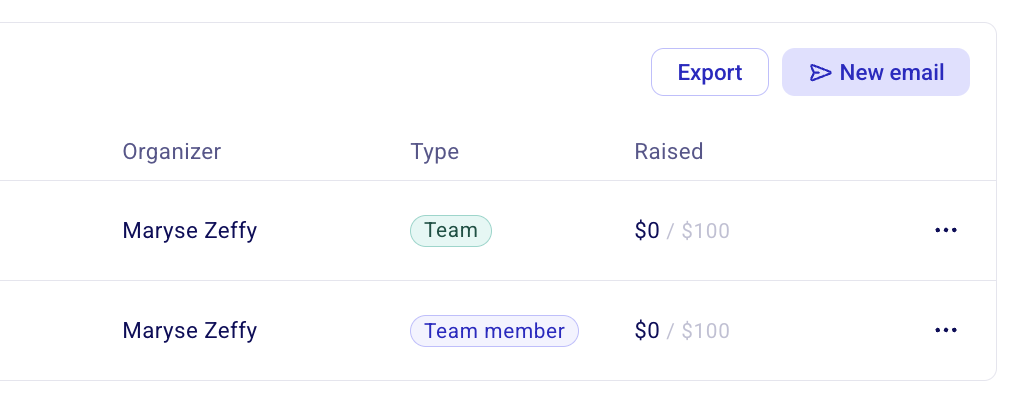
In the overview ta will be able to see a list of all your individual participants and teams. Simply click on "new email" to draft an email to all your fundraisers.
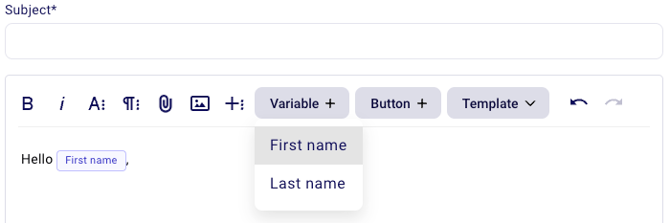
💡 You can add a variable to your email address to make it more personal! Click on Variable and select the variable you would like to add to your text.
Was this helpful?
Was this helpful?