
How can I edit my bank account information?
To edit your bank account information in Zeffy, please:
Log into your Zeffy account under zeffy.com/login
Click on your name on the bottom left corner, then click on "Settings."
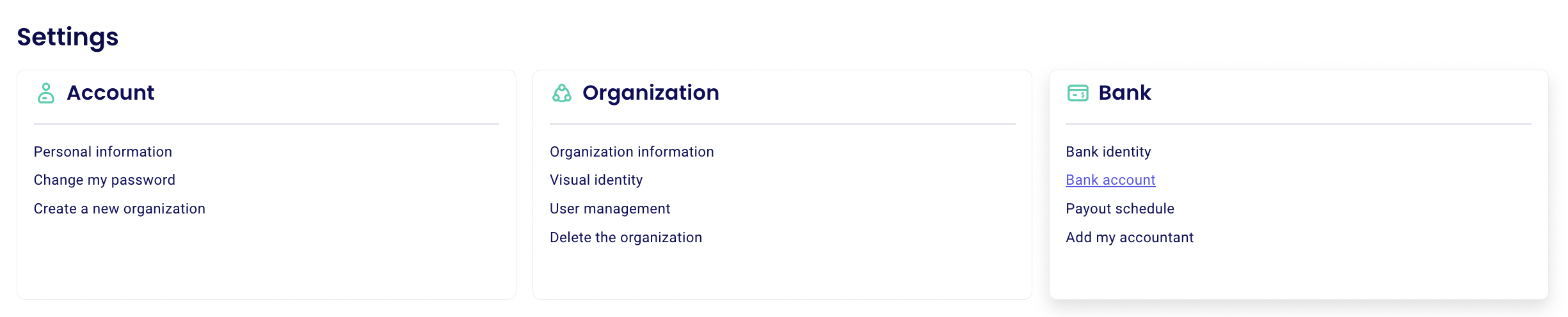
Click on "Bank Account" to edit your bank account information. This is the account that Zeffy will transfer your money to according to your payout schedule.
New user? If it's your first time connecting your bank account, have a look at this Step-by-step guide to complete your account verification.
How bank account changes are protected
When someone adds or changes the bank account, we send a verification code by SMS to that user's phone (two-factor verification). We then email you a "bank account updated" notification to confirm the change. If you made the change yourself, no action is needed.
We also email you each time a payout is sent, with the amount and the bank account it goes to. For security, neither Zeffy nor Stripe stores your full bank account number, so we can't send it to you by email.