
Updating Your Bank Statement Descriptor
You can add a payment descriptor for your donors for your nonprofit
Log in to your Zeffy dashboard on your computer.
Click on your name in the bottom-left corner of the page.
Click on "Settings"
Under the "Organization" section, click on "Organization Information".
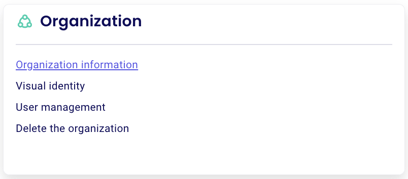
Edit the descriptor under "Bank Descriptor" and click "Confirm."
The descriptor is limited to 14 characters. If your organization name is longer than 14 characters, use an acronym or a shortened version.
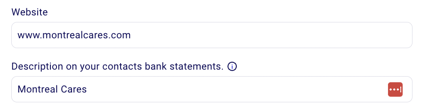
Payments will show as "ZEFFY-[your descriptor here]" on your donor's bank statement.
⚠️ We highly recommend adding a payment descriptor! This can help donors recognize payments on their card statements to avoid payment disputes.
Was this helpful?
Was this helpful?