Using the Zeffy AI Assistant in ChatGPT
The Zeffy AI Assistant lets you ask questions about your Zeffy account in plain language and get instant answers.
This article walks you through how to connect your Zeffy account and start asking questions. The Zeffy AI Assistant lives inside ChatGPT, where you'll see it labeled simply as "Zeffy AI Assistant."
Using our previous custom GPT? ChatGPT is retiring GPTs that aren't migrated to plugins after December 11, 2026. Migrate to the Zeffy plugin before then: open the link in Step 1, sign in, and authorize ChatGPT as described below.

What you'll need
Before you get started, make sure you have:
A paid ChatGPT account (the Zeffy AI Assistant is only available on ChatGPT's paid plans)
Your Zeffy login information (Google account, or your email and password)
Everyone with access to your Zeffy account can use the Zeffy AI Assistant, not only admins.
How to connect the Zeffy AI Assistant to your account
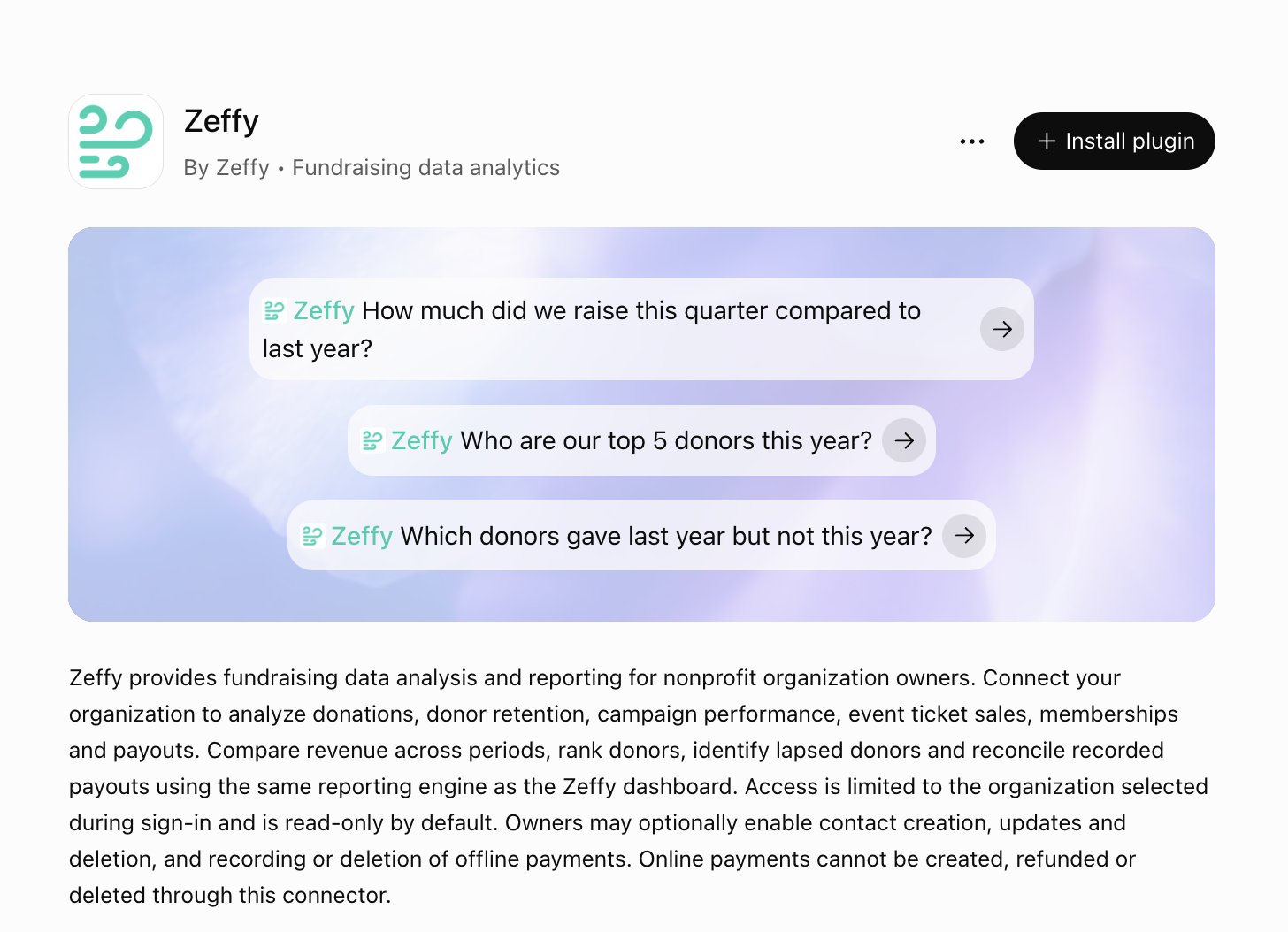
Step 1: Open the Zeffy AI Assistant in ChatGPT
The Zeffy AI Assistant is a public plugin: anyone can open it in ChatGPT from this link:
https://chatgpt.com/g/g-69d7c21bd2248191b6585de862038893-zeffy
Step 2: Sign in to your Zeffy account
After you ask your first question, you'll be prompted to sign in to Zeffy. You have two options:
Sign in with Google, using the same Google account linked to your Zeffy account
Sign in with email and password, using the credentials you normally use for Zeffy
Step 3: Authorize ChatGPT
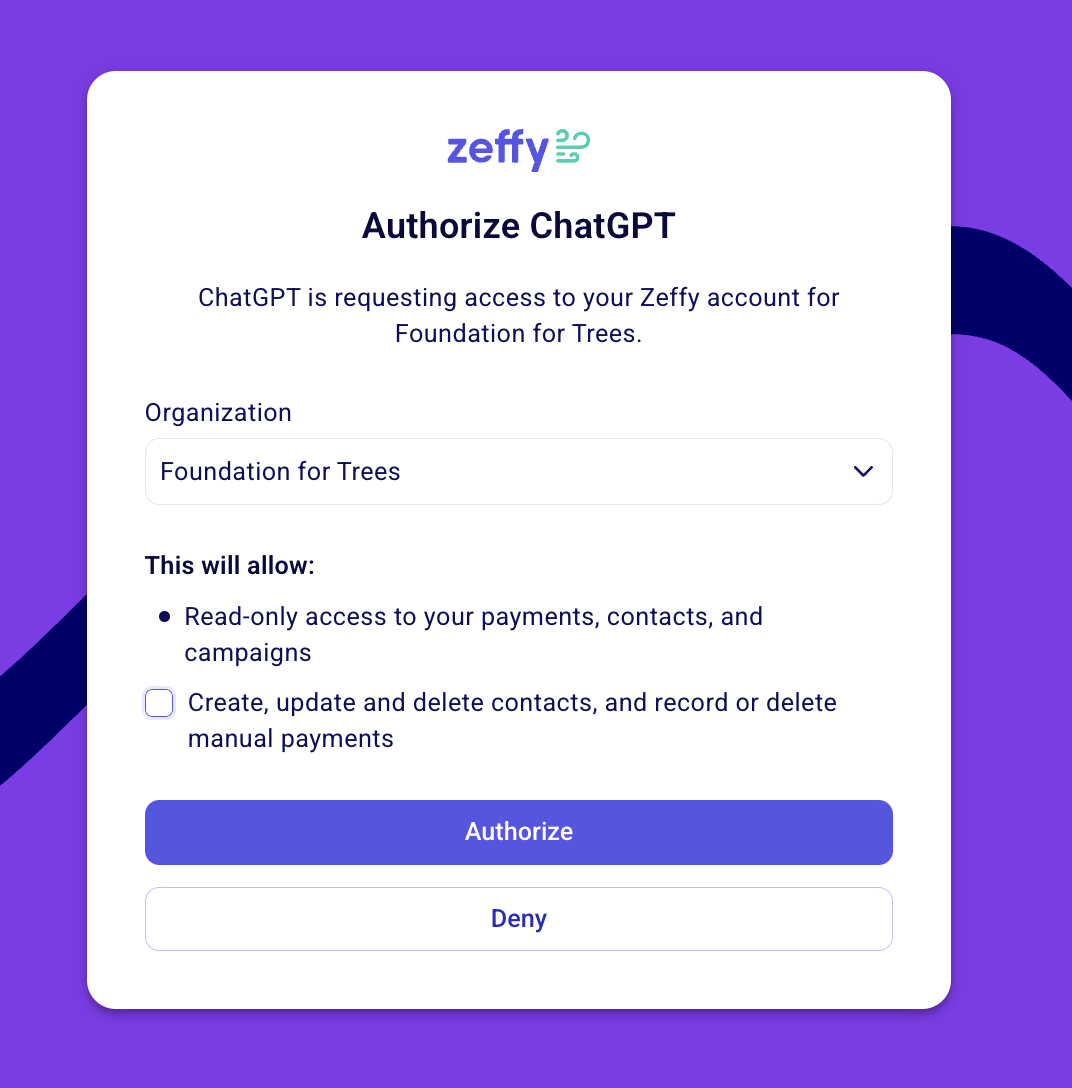
After you sign in, you choose which organization ChatGPT can access and what it can do there. Read access is always included; write access is optional.
Under Organization, pick the organization you want to connect.
To let the assistant make changes, tick Create, update and delete contacts, and record or delete manual payments. Leave it unticked to keep read-only access to your payments, contacts, and campaigns.
Click Authorize.
Your Zeffy account is now connected.
Step 4: Ask away
That's it, you're connected. From here, you can ask any questions about your donors, donations, campaigns, and account activity. A few examples to try:
Who were my monthly donors?
Who was my largest donor?
Who were my top 10 donors?
How much did I raise last month?
Which donors gave more than once this year?
Which campaigns raised the most last quarter?
How much did we raise at the Spring Gala?
The Zeffy AI Assistant pulls answers directly from your Zeffy account, so the information is always up to date.
More Tips for getting the best answers
Be specific with timeframes (e.g. "in 2025," "last month," "since January")
Ask one question at a time for the cleanest results
If an answer doesn't look right, rephrase your question and try again
What the Zeffy AI Assistant can change in your account
The Zeffy AI Assistant only changes data if you gave it write access when you connected. With read access only, it reads your information to answer your questions, but it never creates, edits, or deletes anything in your Zeffy account.
With write access, it can also:
Create, update, and delete contacts
Record or delete manual payments
Even with write access, it cannot create, refund, or delete online payments.
Your conversation with ChatGPT is stored in your ChatGPT account and follows OpenAI's data policies, just like any other chat you have there.
Zeffy also connects directly to Claude and ChatGPT as a connector, with a different setup flow from this custom GPT: see Connect Zeffy to Claude or ChatGPT.