
Manage contacts
Use this article to view, update, and clean up individual contact records in Zeffy.
View a contact profile
Go to Contacts.
Search for the contact and click their name.
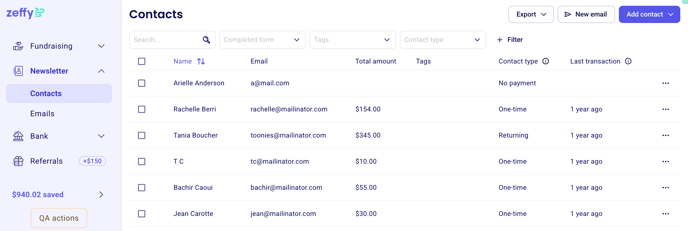
Each contact profile shows key details, recent activity, and communication history so you can confirm you are editing the right record.
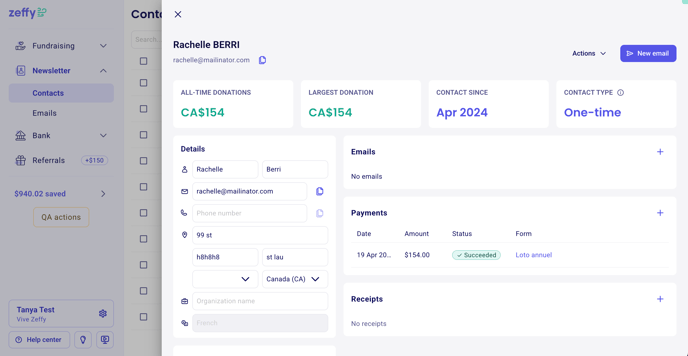
Edit contact information
Open the contact profile.
Click the edit option for the field you want to update.
Save your changes.
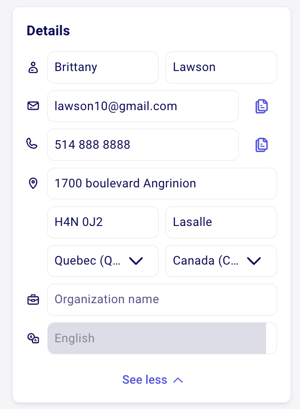
If a donor makes a typo during a payment and you correct their name on the contact page, the payment record does not change. If a tax receipt needs correction, follow the tax receipt correction steps in the linked article from the contact profile.
Change a contact's email address
If a contact starts using a new email address, update the record so future emails go to the right inbox.
Open the contact profile.
Edit the email field.
Save the change.
If the email field is greyed out, the donor has activated their Zeffy account. In that case, only the donor can change the email from their own account settings.
Merge duplicate contacts
If the same person appears more than once, merge the records to keep their history in one place.
Use merging when duplicate contacts were created with different email addresses or repeated imports.
The email address is the primary identifier in Zeffy. If the target email is already used by an activated donor account, you may not be able to complete the merge from your dashboard.
Delete a contact
Delete a contact only when you no longer want to keep that record in your database.
Open the contact profile.
Open Actions.
Choose the delete option.
Confirm the deletion.
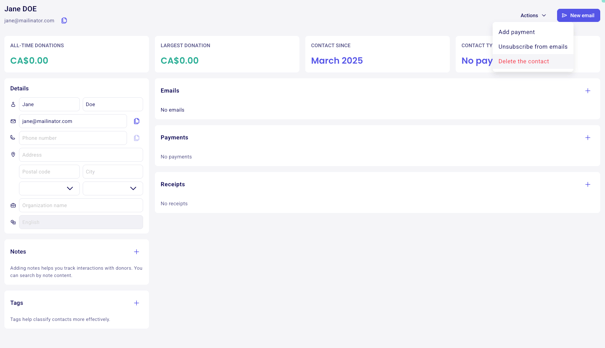
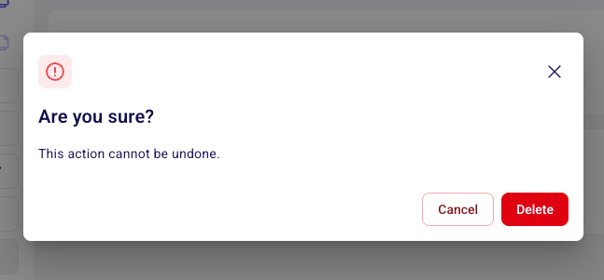
Contacts tied to payment records cannot be permanently removed from Zeffy because those records must stay attached to transactions and tax receipts.
What to do next
To add existing contacts to Zeffy, see Import contacts. To organize contacts into reusable audiences, see Create lists and segments.