
How can I issue complimentary or free items in Zeffy?
Manually log a free/complimentary order
Log into your Zeffy account
Navigate to the "Payments" tab in the menu bar on the left-hand side.
At the top, righthand side of the page, click on "Add payment".
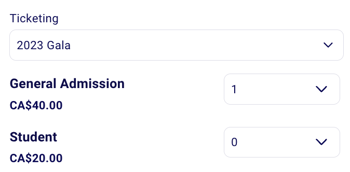
You will be able to select a ticketing form and the ticket types and the number of tickets you want to generate for this buyer.
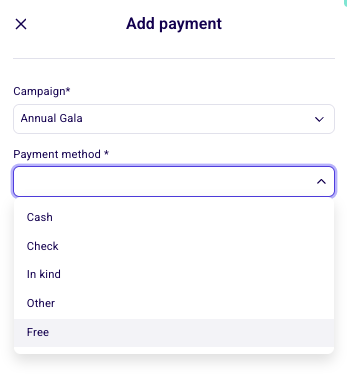
When logging the payment method, select "Free"
Select an existing contact or enter your buyers' contact information.
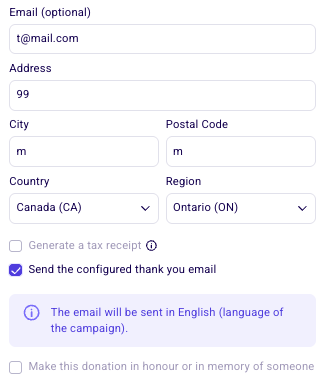
💡Our system is very sensitive to formatting. If you are entering an email address or telephone number, make sure that the email format, country code, and phone number are correct.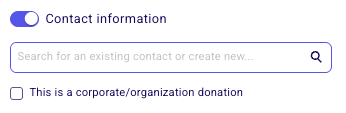
At the bottom of the window, you can check the option "Send a confirmation email" box. This will ensure that your buyer will automatically receive their confirmation email with the tickets for your event. ➡️ This option will only show if you have added a valid email address for this buyer.
Click "Save" to save this order. The tickets will be generated and the confirmation will be sent if you selected that option.