
How can I add a payment descriptor?
You can add a payment descriptor for your donors for your nonprofit:
Log in to your Zeffy dashboard on your computer.
Click on the arrow next to your name in the menu bar to the left of the page.
Click on "Settings"
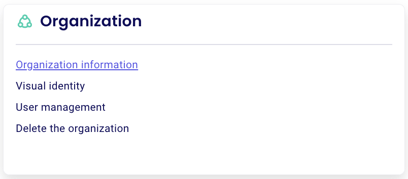
Under the "Organization" section, click on "Organization Information".
Scroll to the bottom to edit the descriptor under "Description on your contacts bank statements."
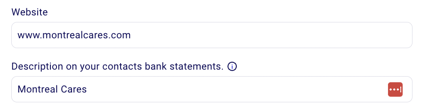
⚠️ We highly recommend adding a payment descriptor! This can help donors recognize payments on their card statements to avoid payment disputes.
Was this helpful?